 SexCamsVR
Can You Watch VR Cams Without a Headset?
Reviewed by the SexCamsVR VR team — editorial policy
The short answer
Yes, you can watch VR cams without a headset. The same live rooms open in any ordinary web browser, on a desktop or a phone, and play as flat 2D video. You still see the performer, you can still chat, and tipping works exactly as it does in a normal cam room. Nothing about the account or the interaction requires a headset.
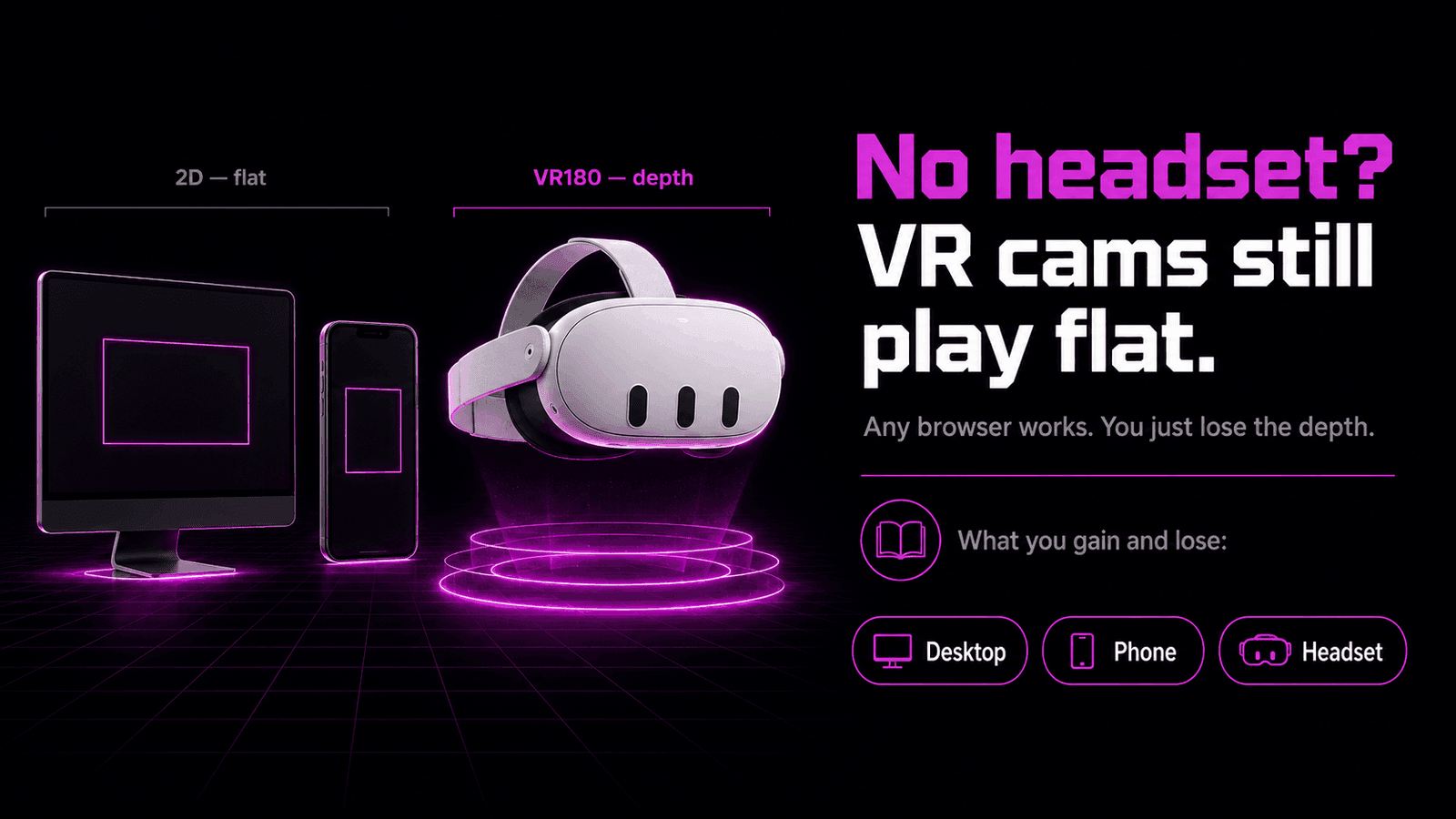
What you give up is the 3D. A VR cam is filmed in stereoscopic VR180 so that a headset can show a slightly different image to each eye, which is what your brain reads as depth. A flat screen only has one surface, so it shows both eyes the same picture. You get the show; you don't get the sense that the performer is in the room with you. That's the trade at the heart of watching without a headset: convenience now, depth later.
So watching without a headset is a genuine option, not a broken half-experience. It's just a different one. If the format itself is new to you, our what are VR cams explainer and VR cam shows explained cover the basics first. This guide is about the flat-screen route: what works, what it looks like, and where a headset starts to earn its place.
Why a VR180 stream looks strange on a flat screen
To understand what you're seeing without a headset, it helps to know how the stream is built. A VR cam is captured with two forward-facing lenses, one roughly where each eye would sit. That produces two images of the same scene from slightly different positions. In a headset, each eye receives its own image, and the small differences between them create depth.
On a flat screen, there's no way to send a separate image to each eye. So one of two things happens, depending on the player:
- The player collapses the feed to a single flat view. You see the forward-facing scene as ordinary 2D video, framed like any normal cam. This is the usual, comfortable result.
- The player shows the raw stereoscopic frame. Until you pick a flat viewing mode, you might see two similar images sitting side by side — the left-eye and right-eye views next to each other. That's not a broken stream; it's the 3D source shown without a headset to separate the halves.
If you ever land on that side-by-side view, it just means the player is presenting the stereoscopic source directly. Switching to the flat or 2D viewing mode gives you the single, normal-looking picture. Whether a given room is broadcasting in VR at all is reported by the platform's provider feed rather than something verified stream-by-stream on our side, so the same site carries both flat-friendly and VR-flagged rooms.
Key point: A VR180 stream isn't a special file that needs a headset to open. It's video with two eye-views baked in. A flat screen simply shows one of them, or both side by side, instead of feeding them to separate eyes.
Watching VR cams on desktop
Desktop is the most straightforward way to watch VR cams without a headset. You open the site in a normal browser — the same one you'd use for anything else — sign in if you want to chat or tip, and open a room. The player shows the live feed as flat video, and everything works like a standard cam site.
A big monitor actually has one advantage here: size. A flat-screen VR cam on a large, sharp display gives you a big, clear window on the performer, and the chat and controls all sit right there on the page. For a lot of people, browsing the grid of VR cam girls on a desktop and watching flat is the easy default — no hardware to buy, no setup, just a browser.
The thing desktop can't do is depth. However large the monitor, it's still one flat surface showing one image to both eyes. You're watching the forward-facing view of a 3D scene, flattened. That's perfectly watchable, and for casual viewing it's often all people want. It just isn't the immersive version the format was filmed for.
Good to know: Nothing about desktop viewing is second-class on the interaction side. Chat, tipping and room browsing are identical to what a headset user gets. The only thing missing is the stereoscopic 3D.
Watching VR cams on a phone
A phone works the same way a desktop does, only smaller and in your hand. You open the site in the phone's browser, and the live rooms play as flat 2D video. Chat and tipping run through the normal on-screen controls, so a phone is a complete way to watch VR cams — just in 2D.
Phones are the most convenient screen most people own, which makes them a common way to watch a VR sex cam flat. The trade-offs are the obvious ones: a smaller picture than a monitor, and the same lack of depth as any flat screen. You're getting the live show and the full interaction in your pocket, without the 3D.
There's a middle option that comes up a lot with phones, though — the cheap VR viewer you slot a phone into. It promises headset-style depth without a real headset, and it's worth understanding exactly what it does and doesn't deliver before you count on it.
Phone VR viewers and where they fall short
A phone VR viewer is a holder — often just molded plastic or cardboard with two lenses — that you drop a phone into and hold up to your face. The lenses let each eye focus on one half of the phone screen, so if the player shows the stereoscopic feed side by side, you can get a rough sense of depth from a device you already own. As a first taste of what VR cams feel like in 3D, it can be genuinely eye-opening.
But a phone viewer is a compromise, and it's honest to be clear about why:
- It leans entirely on the phone. The picture is only as good as the phone's screen and how the player splits the stereoscopic feed. There's no dedicated display built for the job.
- Tracking is limited or absent. A real headset tracks your head and updates the view as you move. A basic phone viewer generally can't, so the immersion is shallower and can feel less stable.
- Comfort and optics are basic. Simple lenses and a hand-held or lightweight holder don't match the fit and clarity of a headset built for long viewing.
None of that makes a phone viewer useless. It's a low-cost way to see whether the 3D version appeals to you before spending on hardware. Just don't expect it to stand in for a proper headset — it's a preview, not the destination. If it does hook you, the next step up is a dedicated headset rather than a fancier phone holder.
Note: We're describing the general limits of slotting a phone into a viewer, not rating a specific product. The core point holds across them: a phone viewer borrows a screen that wasn't designed for VR, so it can only take you so far.
When a headset is worth it
If flat-screen viewing covers what you want, you don't need to buy anything. Plenty of people watch VR cams on a desktop or phone indefinitely and are happy with it. The headset question is really about one thing: how much the depth matters to you.
A headset is worth it when the 3D is the point. Stereoscopic VR180 in a proper headset is what makes the performer feel present — real scale, real closeness, the sense of sharing a space rather than watching a window. That's the experience the format is built around, and a flat screen can only hint at it. If that's what you're after, a headset is the only way to actually get it.
The good news is the barrier is lower than people expect. Live VR cams play right in the headset's web browser using WebXR, so there's no PC, no app and no complicated setup — on a Meta Quest, the built-in browser supports WebXR natively. You don't need a Quest specifically, either; any WebXR-capable headset works. Once you have one, our step-by-step guide to watching VR cams covers the whole process on any headset. If you're weighing which one to get, our best VR headset for live cams guide compares the options, best browser for VR cams covers which browser to use on each, and how to watch VR cams on the Meta Quest 3 walks through playback once you have one. On the cost side, are VR cams free? explains what's free to watch regardless of your screen.
So the honest summary is this: you can absolutely watch VR cams without a headset, and for casual viewing a desktop or phone is fine. A headset isn't about access — it's about depth. Buy one when the flat version leaves you wanting the real thing.
Ready to watch? Browse our live VR cam models or check who's most popular right now.
Frequently asked questions
Can you watch VR cams without a headset?
Yes. The same live rooms play as flat 2D video in any ordinary web browser on a desktop or phone. You see the performer and can chat and tip as normal — you just don't get the stereoscopic depth that a headset provides, since a flat screen can only show one image to both eyes.
What does a VR cam look like on a normal monitor?
It looks like a regular cam show. A player watching on a monitor sees the forward-facing view as flat video rather than in 3D. Some players may show a stereoscopic feed as two side-by-side images until you switch to a flat viewing mode, at which point it looks like any standard stream.
Do VR cams work on a phone?
Yes. A phone browser plays the same live rooms as flat 2D video, and chat and tipping work through the normal on-screen controls. A phone screen is flat, so you watch in 2D rather than 3D unless you pair it with a phone VR viewer, which has real limits.
Is a phone VR viewer good enough?
A phone VR viewer can give you a rough sense of depth, but it's a compromise. Phone-based viewing depends on the phone's screen and how the player handles the stereoscopic feed, and it lacks the tracking and optics of a dedicated headset. It's a taste of VR rather than the full experience.
Do you need a Meta Quest to watch VR sex cams?
No. You don't need any headset to watch — a desktop or phone browser plays the rooms flat. A headset like the Meta Quest is what adds the stereoscopic 3D, and any WebXR-capable headset works, not only a Quest. The headset changes how you watch, not whether you can.
What do you lose by watching VR cams on a flat screen?
You lose the depth and the sense of scale — the feeling that the performer is in the room with you. The live show, the chat and the tipping are all still there. What a flat screen can't reproduce is the stereoscopic 3D, which is the whole reason the format is filmed for a headset.