 SexCamsVR
Best VR Headset for Live Cams (2026): Quest, Pico & Vision Pro
Reviewed by the SexCamsVR VR team — editorial policy
The short answer
For most people, the Meta Quest 3 is the best value pick for live VR cams. The Apple Vision Pro is the premium option, and the Pico 4 Ultra is a solid alternative. The reason the choice is simpler than it looks: live VR cams run directly in the headset's web browser through WebXR — there's no app to install. So the headset that matters most is the one whose browser handles WebXR cleanly and fits your budget. New to the format? Our explainer on what VR cams are covers the basics first, VR cam shows explained covers how the shows work, and are VR cams free? covers what you'll actually pay to watch.
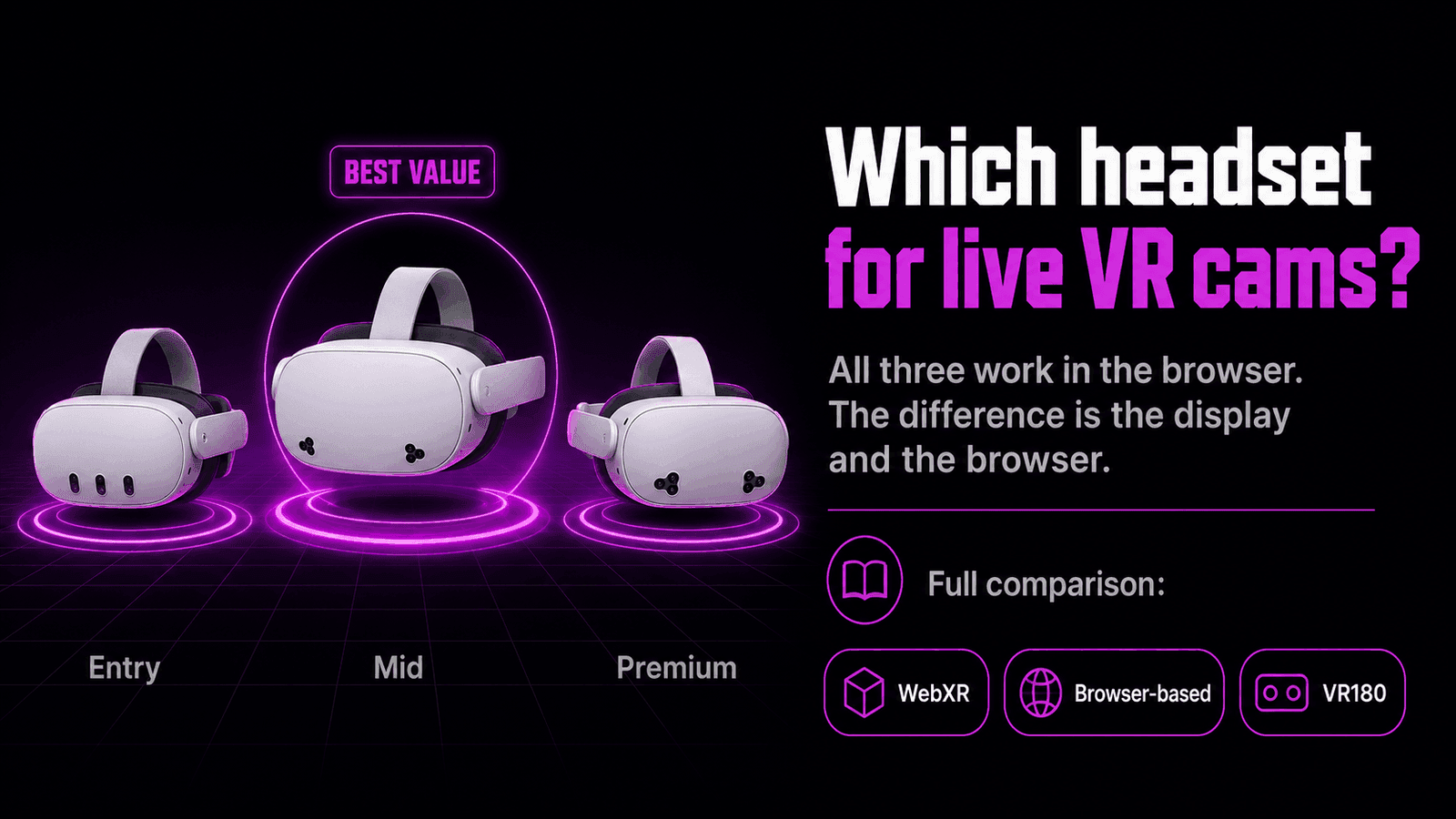
Here's the quick comparison:
| Headset | Price | Chipset | RAM | Per-eye resolution | Browser & WebXR | Verdict |
|---|---|---|---|---|---|---|
| Meta Quest 3 | $499.99 | Snapdragon XR2 Gen 2 | 8 GB | Dual LCD, 2064 × 2208 | Meta Quest Browser, native WebXR | Best all-round value |
| Pico 4 Ultra | €599 / ~$529 | Snapdragon XR2 Gen 2 | 12 GB | ~2160 × 2160 | Built-in browser limited; use Wolvic | Capable alternative |
| Apple Vision Pro (M5) | $3,499 | Apple M5 | — | Micro-OLED, ~23M pixels total | Safari (visionOS 2+), WebXR via feature flag | Premium price |
Prices shown are manufacturer list prices at the time of writing and change often — check the manufacturer's current pricing before buying.
Note: All three play live VR cams in the browser. The differences come down to price, display quality and how reliable each headset's browser is at entering VR mode.
Meta Quest 3 — the best value
The Meta Quest 3 is the pick for most people, and it comes down to a few things. It's the cheapest of the three at $499.99. Its built-in Meta Quest Browser supports WebXR natively, so a live VR cam switches into VR mode with no extra software or sideloading. It has the largest app and content ecosystem of any standalone headset. And its pancake lenses with dual LCD panels at 2064 × 2208 per eye give a sharp, clear image.
If your budget is tighter, the Meta Quest 3S exists as a cheaper entry option at around $299. It runs the same Meta Quest Browser, so live VR cams work the same way — you trade some optical and display quality for a much lower price. (For a browser-by-browser comparison across headsets, see best browser for VR cams; for the full Quest setup walkthrough, see how to watch VR cams on the Meta Quest 3.)
Pico 4 Ultra — capable alternative
The Pico 4 Ultra is a strong alternative. It runs the same Snapdragon XR2 Gen 2 chipset as the Quest 3 and actually carries more RAM (12 GB), which helps with multitasking. Its panels sit at roughly 2160 × 2160 per eye.
The catch is the browser. Pico's built-in browser has more limited WebXR support, which can make VR mode inconsistent for live cams. The fix is Wolvic — a free, open-source XR browser available for Pico — which makes immersive playback much more reliable. Pico's app library is also smaller than Meta's, which matters more for games than for browser-based cams but is still worth knowing.
Apple Vision Pro — premium display
The Apple Vision Pro has the best display of the three by a clear margin, thanks to its micro-OLED panels totalling roughly 23 million pixels. The trade-off is price: at $3,499 it costs many times what the Quest 3 does.
For live VR cams, Safari on visionOS 2 and later supports WebXR — but it has to be enabled first via a feature flag in Settings. Once it's on, cams play in Safari using Vision Pro's gaze-and-pinch input rather than controllers. It works, and it looks superb, but the value equation strongly favours the Quest 3 unless image quality is your only priority.
What to look for in a headset for cams
Watching live VR cams asks less of a headset than gaming does — there's no demanding real-time scene to render, just a video stream playing in the browser. That changes which specs actually matter. Here's what counts.
Browser and WebXR support. This is the one non-negotiable. Live cams run in the headset's browser through WebXR, so the browser has to support it. On Quest, the built-in Meta Quest Browser supports WebXR natively, which is the simplest path. On Pico, the built-in browser's WebXR support is limited, so you install Wolvic instead. Without a WebXR-capable browser, a headset can't enter VR mode for cams at all.
Display sharpness. Because VR180 places the subject close and forward, per-eye resolution and lens quality have a visible payoff. Higher-resolution panels and modern pancake lenses — as on the Quest 3 and Pico 4 Ultra — resolve fine close-up detail better than older lens designs, and the Vision Pro's micro-OLED panels go further still. Sharper optics make the depth and texture of a VR180 stream easier to appreciate.
Comfort for longer sessions. Weight and how it's balanced matter more than peak performance for passive viewing. The Pico 4 Ultra places its battery at the rear of the strap, where it acts as a counterweight and eases pressure on the face. The Quest 3's default strap is front-weighted, though rear-battery head straps are a common aftermarket comfort upgrade.
Standalone, no PC. All three headsets here are standalone — they run the browser and play cams on their own, with no gaming PC, cable or external software in the loop. Setup stays simple whichever you pick.
Price. Set expectations before you shop:
| Headset | Approx. price |
|---|---|
| Meta Quest 3S | ~$299 |
| Meta Quest 3 | $499.99 |
| Pico 4 Ultra | ~€599 |
| Apple Vision Pro | $3,499 |
Key point: For cams specifically, a capable WebXR browser and a comfortable fit matter more than raw graphics power — which is why an affordable headset like the Quest 3, or even the Quest 3S, covers the essentials so well.
Quest 3 vs Quest 3S: which to pick
For most budget-conscious buyers, the real decision isn't between brands — it's between Meta's own two models. Both run the same Meta Quest Browser with native WebXR, so both play live VR cams the same way. The differences come down to image quality and price.
| Meta Quest 3S | Meta Quest 3 | |
|---|---|---|
| Approx. price | ~$299 | $499.99 |
| Chipset | Snapdragon XR2 Gen 2 | Snapdragon XR2 Gen 2 |
| Lenses | Fresnel | Pancake |
| Per-eye resolution | Lower | Higher (2064 × 2208) |
| Image sharpness | Good | Noticeably sharper |
| Browser / WebXR | Meta Quest Browser, native | Meta Quest Browser, native |
The 3S pairs the same chip as the Quest 3 with Fresnel lenses and a lower-resolution display, so its image isn't as sharp. What it doesn't compromise on is the browser: it ships with the same Meta Quest Browser and native WebXR, so it plays VR cams exactly like the Quest 3 does.
Bottom line: For cams specifically, the Quest 3S is the best value entry point — the browser and WebXR experience is identical, so you lose nothing on playback. Step up to the Quest 3 only if you want the noticeably sharper image its pancake lenses and higher resolution deliver.
Which headset should you buy?
| Your priority | Best choice |
|---|---|
| Best overall value | Meta Quest 3 |
| Tightest budget | Meta Quest 3S |
| Best image quality regardless of price | Apple Vision Pro |
| More RAM for multitasking | Pico 4 Ultra |
Bottom line: For nearly everyone, the Quest 3 is the right answer — affordable, native WebXR, biggest ecosystem. Step down to the Quest 3S to save money, up to the Vision Pro for the best display, or sideways to the Pico 4 Ultra if you want the extra RAM and don't mind installing Wolvic.
A note on VR cam format
Whether a given cam is actually broadcasting in VR is reported by the platform's provider feed (via a broadcastVR flag), rather than something verified stream by stream on our end. When the feed marks a room as VR, it's delivered as VR180 stereoscopic — a single forward-facing 3D field of view, not a full 360° sphere. That format is what gives live cams their close-up sense of depth and presence, and it's why a WebXR-capable headset browser is all you need to view them.
Bottom line
The best VR headset for live cams in 2026 is the one with a capable browser at a price that suits you. The Meta Quest 3 hits that balance best; the Vision Pro is the premium choice; the Pico 4 Ultra is a fine alternative once you add Wolvic. Whichever you choose, the cams play right in the headset's browser — no app required, and our step-by-step guide to watching VR cams covers the process on any of them. No headset yet? You can watch VR cams without one while you decide.
Ready to try it? Browse our live VR cam models or see who's most popular right now.
Frequently asked questions
What is the best VR headset for live cams?
For most people the Meta Quest 3 is the best choice. At $499.99 it is the most affordable of the three, and its built-in browser supports WebXR natively, so live VR cams play in the headset with no extra software.
Do I need an expensive headset to watch VR cams?
No. Live VR cams run in the headset's web browser, so any WebXR-capable headset works. The Meta Quest 3S starts around $299 and the Quest 3 is $499.99, both far cheaper than the $3,499 Apple Vision Pro.
Is the Apple Vision Pro worth it for VR cams?
The Vision Pro has the best display of the three thanks to its micro-OLED panels, but at $3,499 it is far more expensive. Safari on visionOS 2 and later supports WebXR once enabled, so cams work, but the Quest 3 is far better value.
Can I watch VR cams on a Pico headset?
Yes. The Pico 4 Ultra plays VR cams, but its built-in browser has more limited WebXR support. Installing Wolvic, a free open-source XR browser, makes VR playback more reliable.
Meta Quest 3 or Pico 4 Ultra for VR cams?
The Quest 3 is cheaper and its built-in browser handles WebXR natively, making it the simpler choice for cams. The Pico 4 Ultra has more RAM but needs Wolvic for reliable VR playback.
Do VR cams need a special app?
No. Live VR cam platforms run directly in the headset browser. You open the site, pick a model and switch to VR mode — no separate app or download is required.